

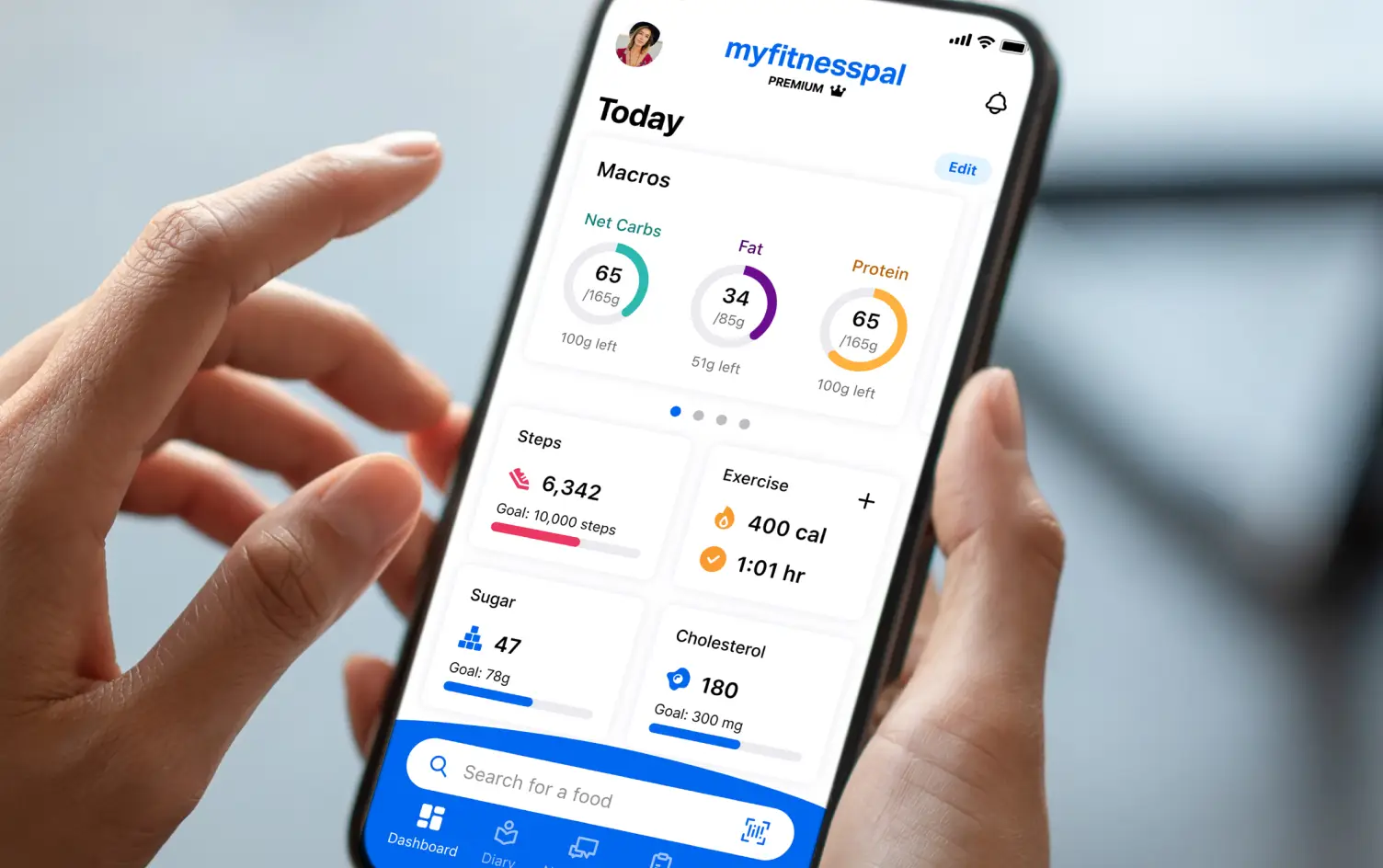
Food tracking is one of the most powerful habits you can build for fitness and nutrition success. While there are many apps available, MyFitnessPal remains one of the most popular — and the best part is, you can use it effectively even on the free version.
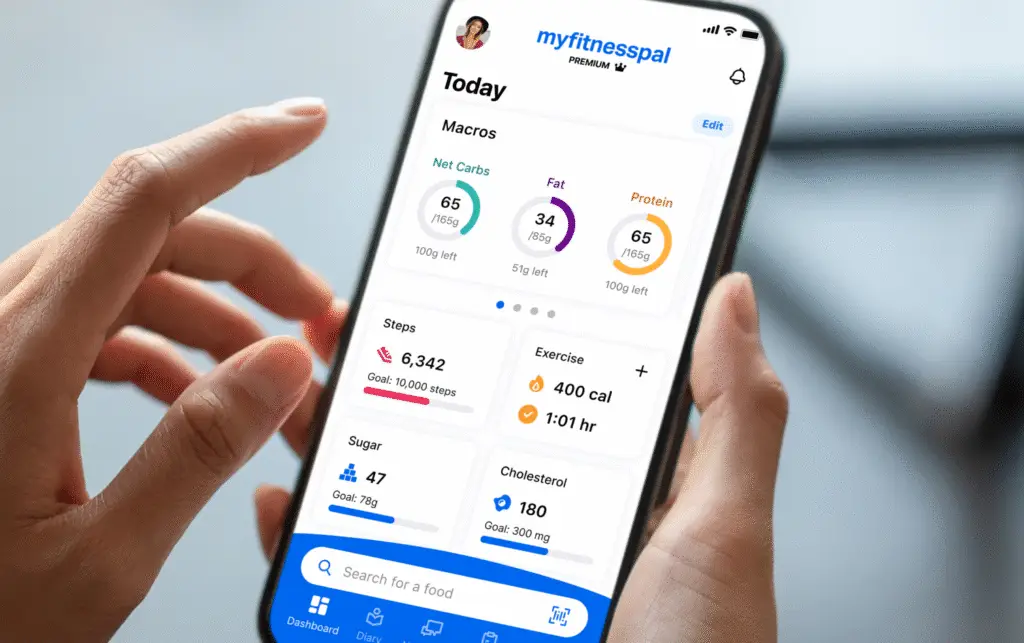
In this guide, I’ll walk you through how to get the most out of MyFitnessPal without paying for premium features, how to set the macros and calories provided by Coach Jeff, and how to make sure it integrates with My PT Hub so Coach Jeff can monitor your nutrition directly.
1. Create Your Free Account
Download MyFitnessPal from the App Store or Google Play. Sign up with your email or Facebook, then enter your personal details like age, weight, height, and goals. Don’t worry too much about the calorie targets suggested at the start — we’ll update them based on your program.
2. Learn the Food Diary
The Diary tab is the core feature you’ll use daily. Here you can add meals (breakfast, lunch, dinner, snacks) and drinks. Logging consistently is more important than hitting numbers perfectly at the start.
3. Use the Barcode Scanner
The barcode scanner is free and very useful when logging packaged foods. Simply tap the barcode icon in the search bar, scan the product, and MyFitnessPal pulls up the nutrition data automatically.
4. Set Your Calories and Macros from Coach Jeff
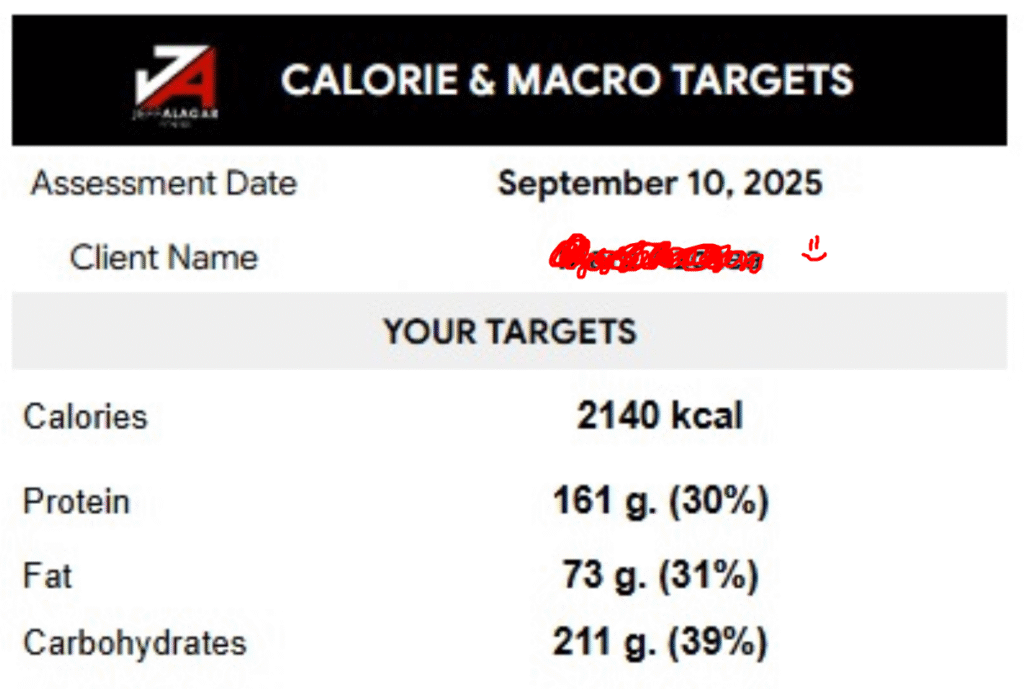
Once you receive your personalized calorie and macronutrient targets (like the example below), update them in MyFitnessPal so your tracking matches your fitness plan.
Example Targets from Coach Jeff:
Here’s how to set them in the free version:
- Go to Settings → Goals.
- Under Nutrition Goals, tap Calorie, Carbs, Protein, and Fat Goals.
- Enter the numbers Coach Jeff gave you (Calories, Protein, Fat, Carbohydrates).
- Save your changes — now your diary will track against the exact targets of your program.
📝 Important: The free version allows you to set overall daily macro goals (not meal-by-meal), which is enough for awareness and consistency.
5. Build a Custom Food Library
Over time, you’ll build your personal library of frequent meals and snacks. This makes logging faster because you won’t have to search from scratch every time.
6. Sync With My PT Hub
For clients under #BodyByCoachJeff, it’s important to connect your MyFitnessPal account with My PT Hub. This allows Coach Jeff to monitor your food diary, macronutrients, and calorie intake in real time.
- Go to Settings in My PT Hub.
- Find the Integrations section.
- Select MyFitnessPal and log in with your account details.
- Allow permissions so your logged meals automatically sync.
Once connected, Coach Jeff can see your logs directly and adjust your program as needed.
7. Focus on Consistency, Not Perfection
Remember, the main goal with free MyFitnessPal use is awareness. You’ll start noticing what foods are calorie-dense, which meals fill you up, and where hidden calories sneak in. Over time, this awareness leads to better decisions and progress toward your goals.
Final Thoughts
You don’t need premium to make MyFitnessPal work for you. With the free version, you can log meals, scan barcodes, set your custom targets from Coach Jeff, view your nutrition breakdown, and — most importantly — sync with My PT Hub so Coach Jeff can monitor your progress.
Start today, keep logging, and let’s stay accountable together.
-Coach Jeff